A highly opinionated Neovim setup tailored for GoLang, Rust, TypeScript, SQL, Lua, and general development.
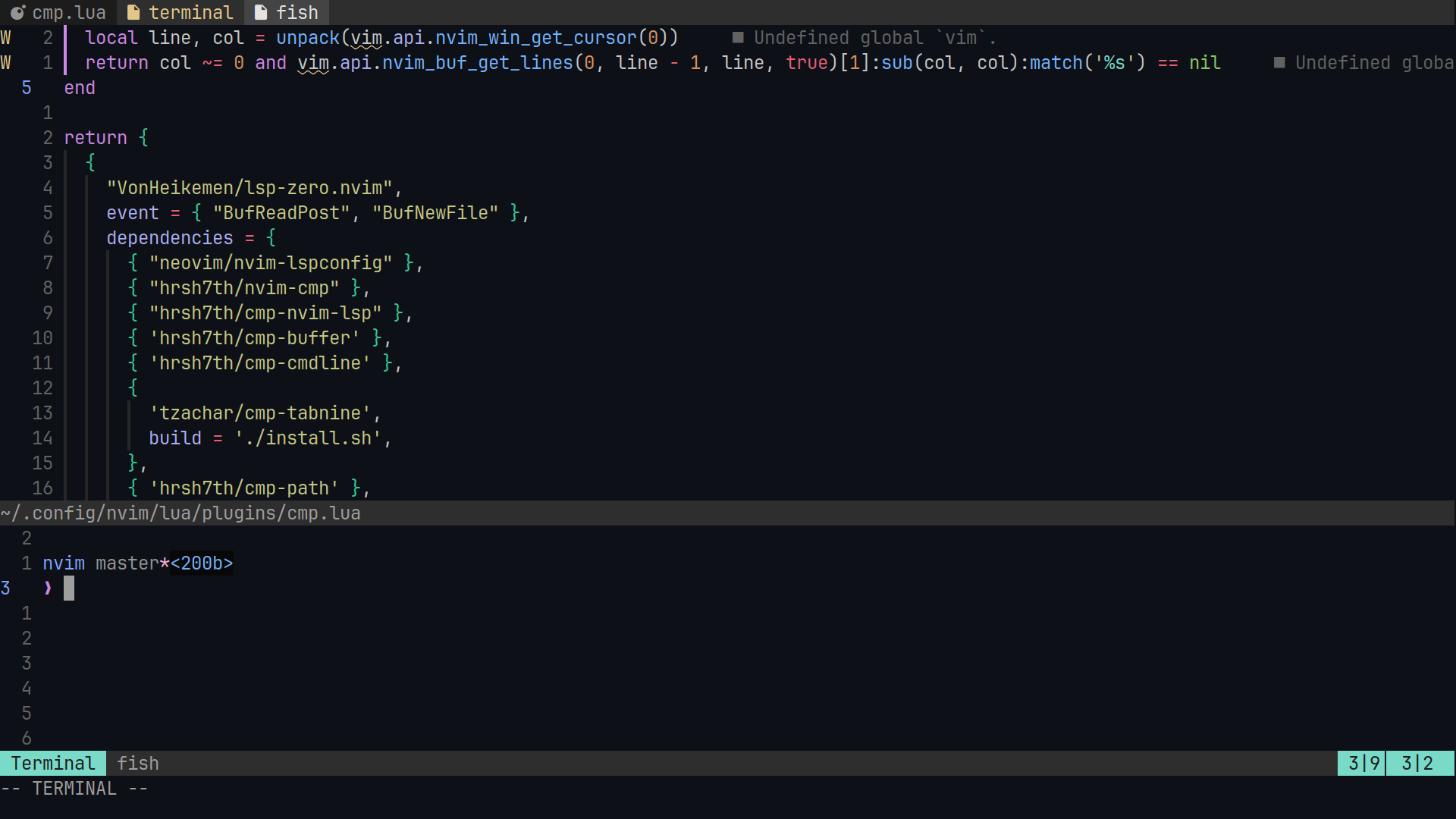
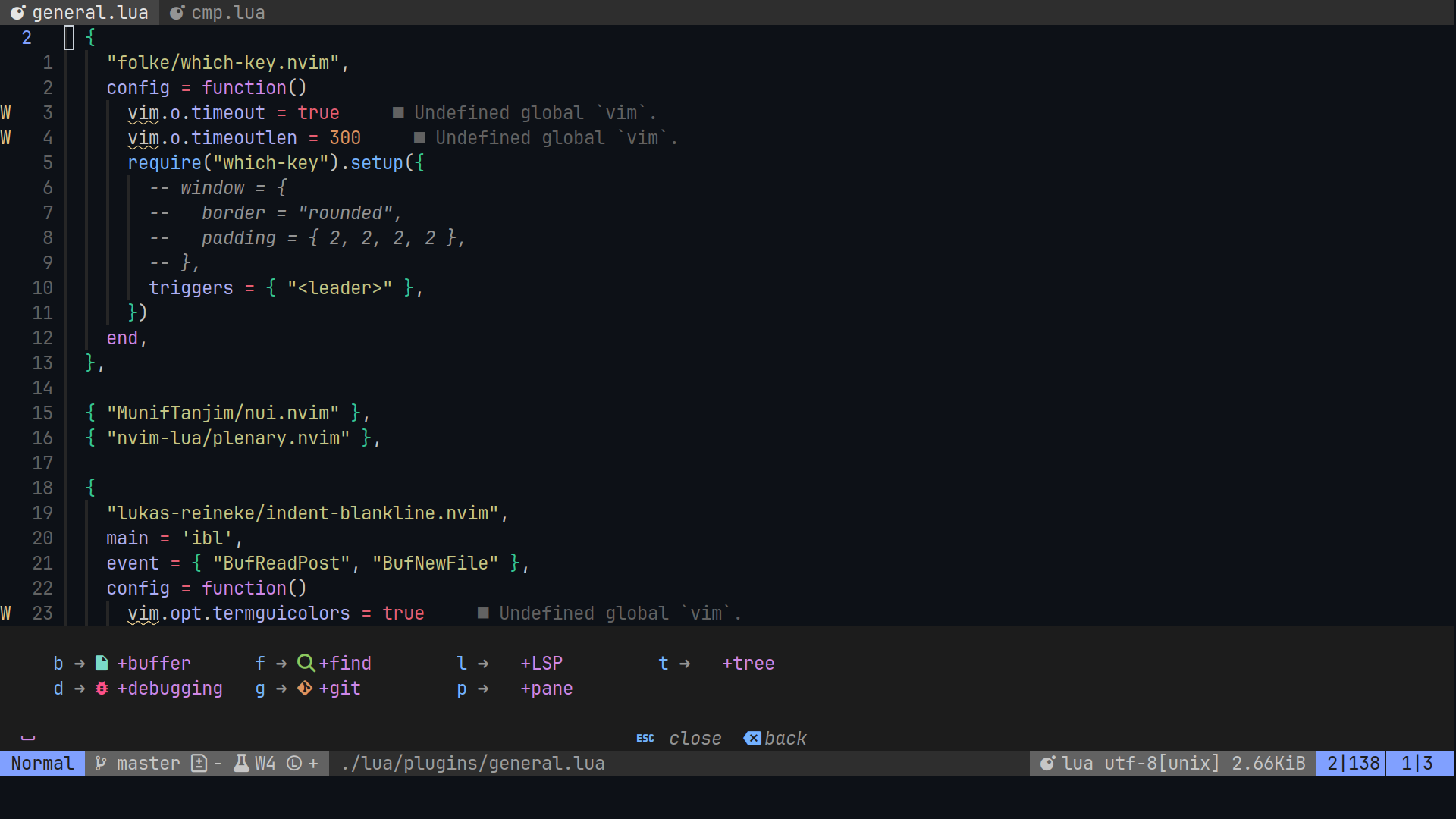
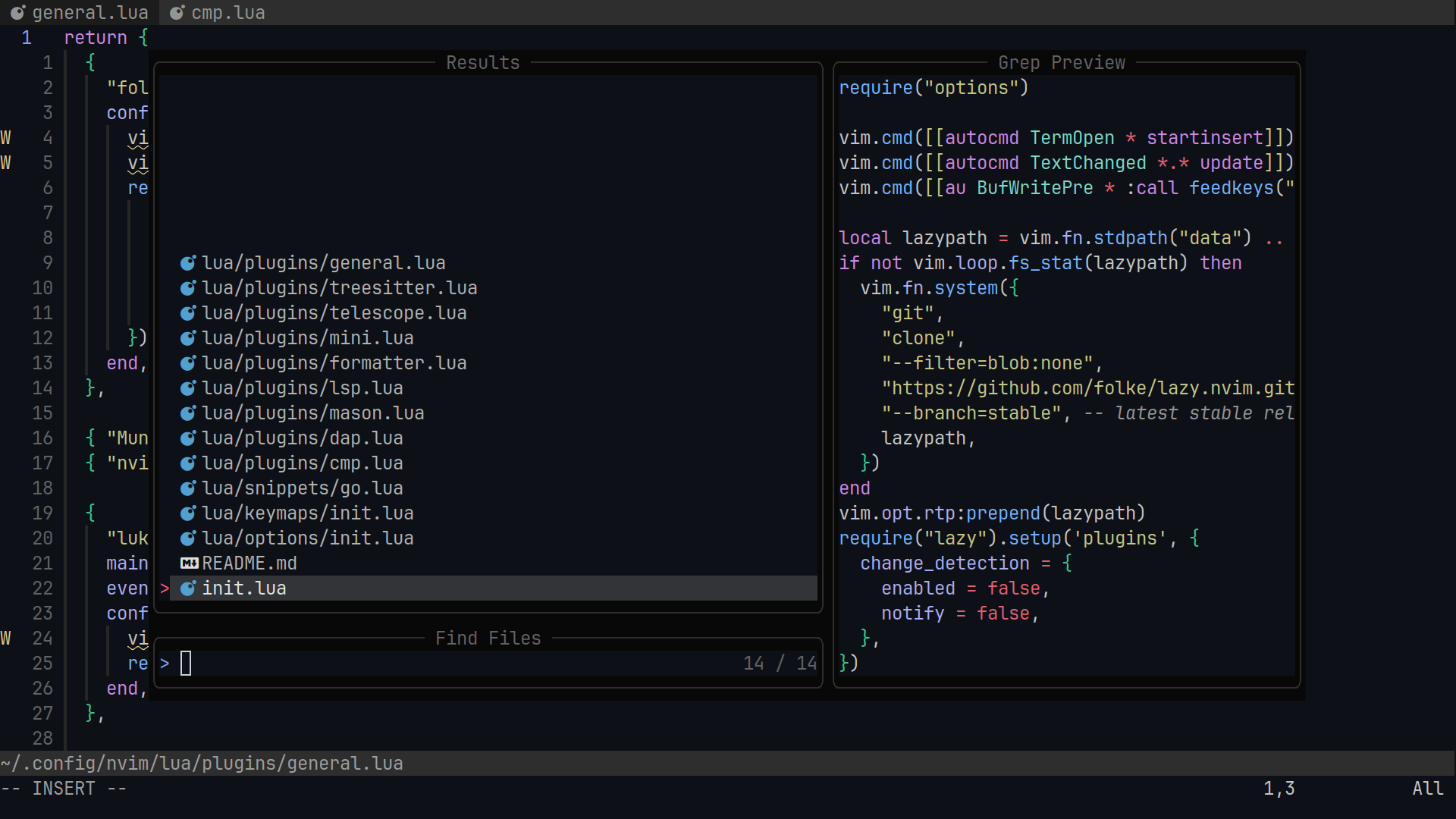
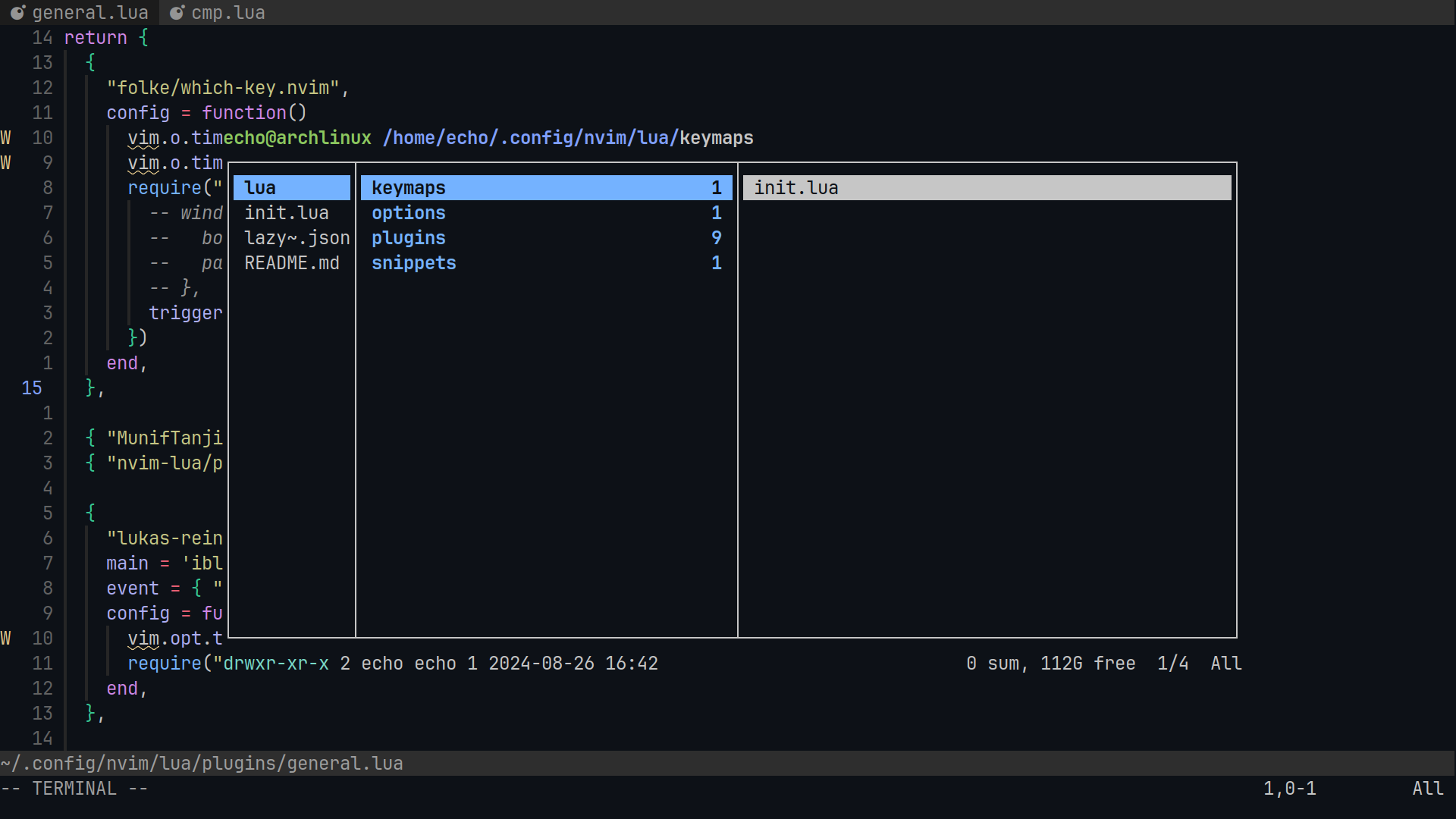
This setup provides a familiar editor experience with:
-
Coding Features:
- Autocomplete
- Smart suggestions
- Signature help
-
Supported Languages:
- Go
- Rust
- TypeScript
- SQL
- Lua
- Vue
- Dart
- Kotlin
-
Autoformatting:
- Go (using
goimports) - Rust
- TypeScript
- SQL
- Lua
- Vue
- Dart
- Kotlin
- Go (using
Here are the key mappings I use, organized into groups for ease of reference. <leader> is set to <Space>.
-- General
N) <C-s> -- Save file (Normal mode).
N) <C-s> -- Save file (Insert mode).
N) <Tab> -- Insert tab character (Insert mode).
N) jk -- Exit insert mode (Insert mode).
N) kj -- Exit insert mode (Insert mode).

-- Buffers
N) <leader>b -- Buffer group.
N) <leader>bb -- List buffers.
N) <leader>bd -- Close buffer.
N) <leader>bn -- Next buffer.
N) <leader>bp -- Previous buffer.
nvim-config
-- Debugging
N) <leader>d -- Debugging group.
N) <leader>dB -- Clear all breakpoints.
N) <leader>db -- Toggle breakpoint.
N) <leader>dc -- Continue debugging.
N) <leader>dr -- Restart current debugging session.
N) <leader>dt -- Terminate debugging session.
N) <leader>du -- Show debugging UI.

-- Finding
N) <leader>f -- Find group.
N) <leader>fd -- Search diagnostics.
N) <leader>ff -- Find files.
N) <leader>fg -- Live grep in workspace.
N) <leader>fo -- Find symbols (outline).
N) <leader>fs -- Search saved session.
N) <leader>fz -- Find text in current buffer.

-- Git
N) <leader>g -- Git group.
N) <leader>gD -- Diff file against HEAD.
N) <leader>gb -- Blame line.
N) <leader>gd -- Diff line.
N) <leader>gl -- Open Lazygit.
N) <leader>gr -- Reset hunk.

-- LSP
N) <leader>l -- LSP group.
N) <leader>lD -- Go to declaration.
N) <leader>la -- Code action.
N) <leader>ld -- Go to definition.
N) <leader>lf -- Format code.
N) <leader>lh -- Hover information.
N) <leader>lr -- Rename symbol.
N) <leader>lt -- Go to type definition.

-- Pane Management
N) <leader>p -- Pane group.
N) <leader>pd -- Toggle Trouble.

-- Tree
N) <leader>t -- Tree group.
N) <leader>tf -- Toggle file explorer.
Follow these steps to set up Neovim with this configuration:
-
Backup Your Existing Configuration
Before proceeding, it's a good idea to back up your current Neovim configuration. Run the following command in your terminal:
mv ~/.config/nvim ~/.config/nvim.bak
-
Clone the Configuration Repository:
Clone the repository containing your Neovim configuration to ~/.config/nvim:
git clone https://github.com/hadihammurabi/nvim-config.git ~/.config/nvim
This setup integrates several language servers and tools to enhance development experience:
-
LSP Servers:
- Go:
gopls- Provides IDE features for Go development. - Rust:
rust-analyzer- Offers Rust-specific features and commands. - TypeScript:
tsserver- Supports TypeScript development. - SQL:
sqlls- Adds SQL language support. - Lua:
lua_ls- Adds Lua language support. - Vue:
volar- Provides language features for Vue files. - Dart:
dartls- Adds Dart language support for Flutter and other Dart projects. - Kotlin:
kotlin_language_server- Adds Kotlin language support.
- Go:
-
LSP Features:
- Signature Help: Shows function signatures and documentation.
- Hover Documentation: Displays documentation for code under the cursor.
- Go to Definition: Navigates to the definition of the symbol under the cursor.
- Go to Implementation: Jumps to the implementation of a function or method.
- Show References: Lists all references to the symbol under the cursor.
- Diagnostics: Displays error and warning diagnostics in the buffer.
-
Dependencies:
- lsp_signature.nvim: Adds signature help to the LSP setup.
- mason.nvim: Manages LSP servers and other tools.